
How the file service works
You read the stock file from the car, we build the tuned file, and you flash it back. Most orders are ready the same day. Here is the whole process, and what you need before you start.
What you need before you start
- A reading and writing tool such as Alientech, Autotuner or CMD.
- The original (stock) read from the vehicle you want to tune.
- An account with us, so you can upload the file and track the order.
- The details of your build if the car has hardware changes, so we match the file to it.
The three steps
-

1. Upload your stock file
Read the ECU with your tool and upload the original file to your dashboard. Pick your stage and any options you want, such as DPF, EGR, AdBlue, DTC and more. Add a short note if the car is modified.
-
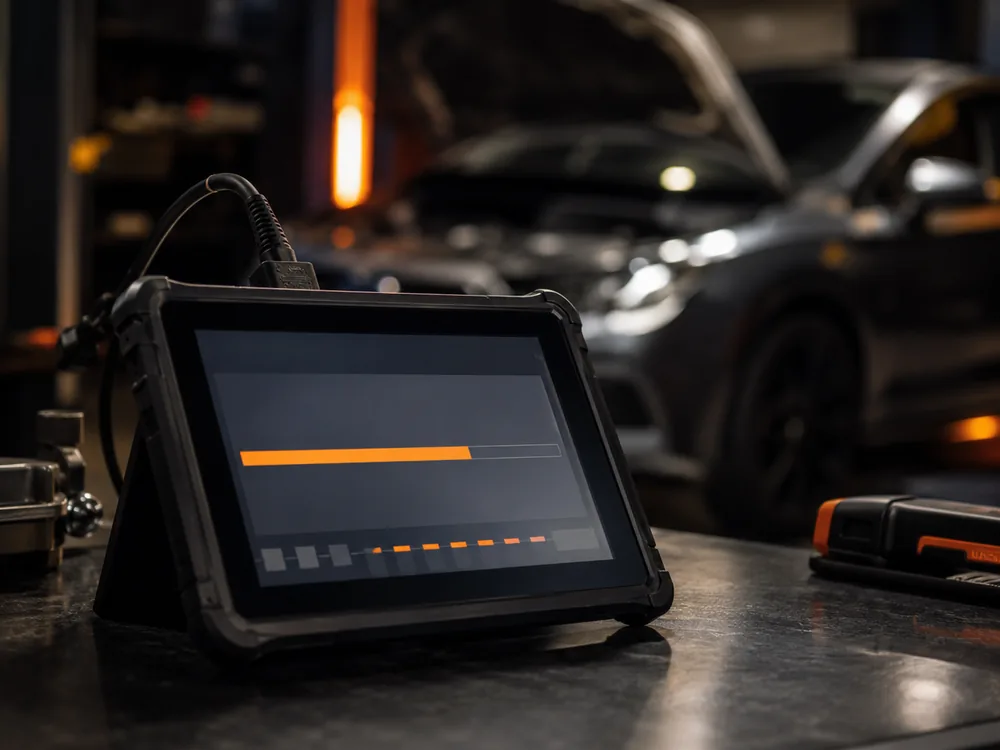
2. We build your calibration
A calibrator builds the file to your chosen stage and keeps it within safe limits for your engine, or our automatic matching prepares it for supported ECUs. We correct the checksum so the file is accepted when you write it.
-
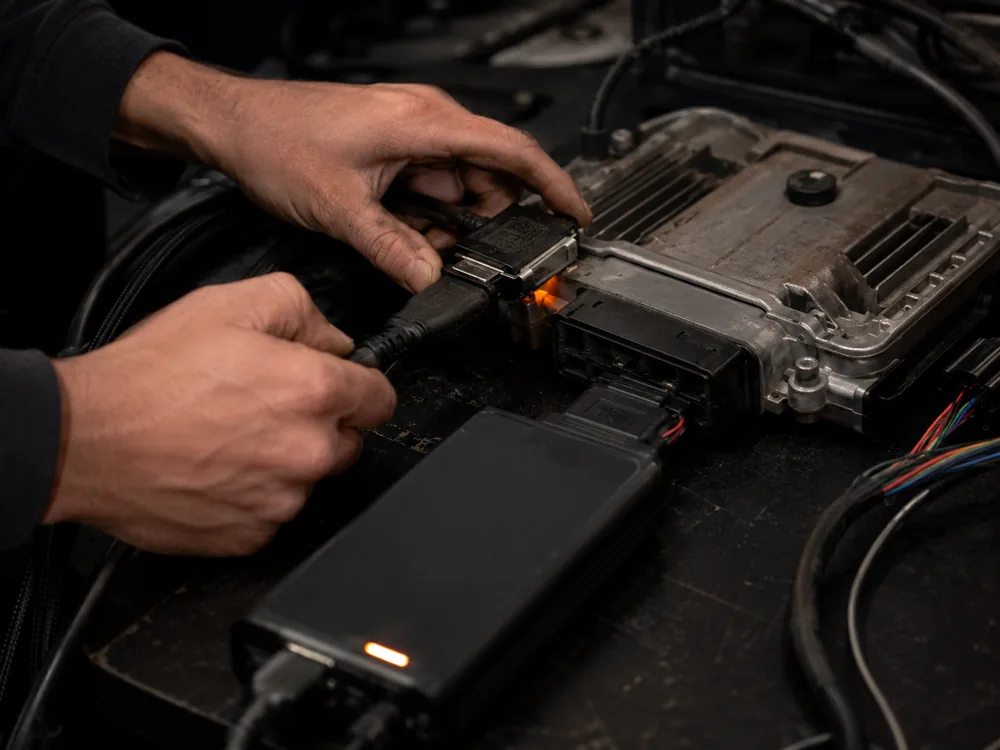
3. Flash and get support
Download the finished file and write it to the car with your tool. If anything needs adjusting, ask for a revision and we will rework the file. Your stock file stays on record so you can go back to original at any time.
Turnaround and delivery
Most files are delivered the same day. You see the status of your order in the dashboard the whole way through, and you get a notification when the file is ready. Timing depends on the vehicle, the ECU and the options you choose, and we tell you if a job needs longer.
Safety and quality
Every file is reviewed by an experienced calibrator before it goes out. We tune within the tolerances of your factory hardware, keep torque delivery smooth and watch component load. Checksums are corrected for supported ECUs, and revision support is included so the file can be fine-tuned to your setup.