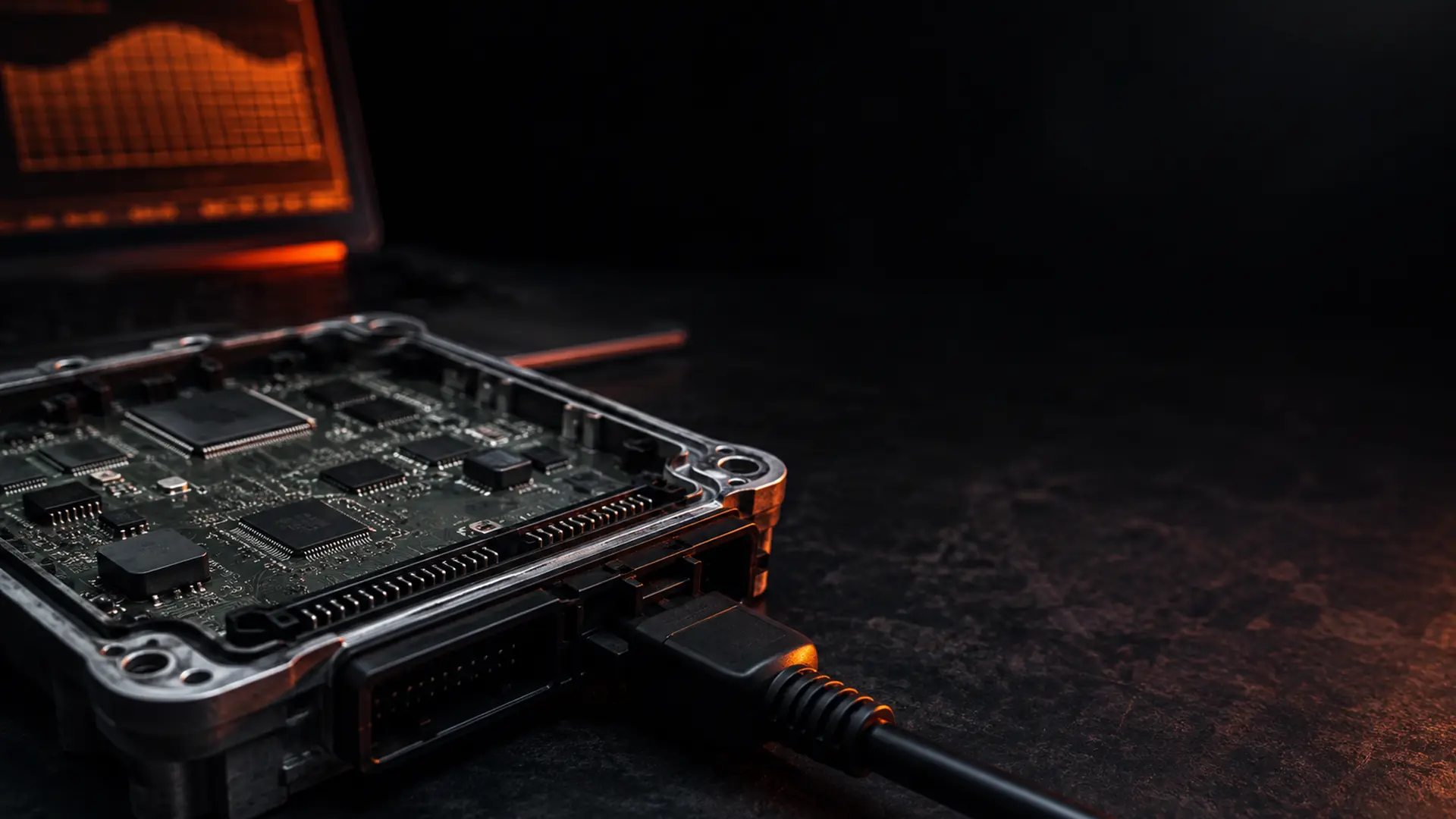
ECU file tuning means reading the calibration from the engine control unit, modifying its maps, correcting the checksum, and writing it back. No parts are replaced. The change is entirely in software, and it is reversible.
1. Read the stock file
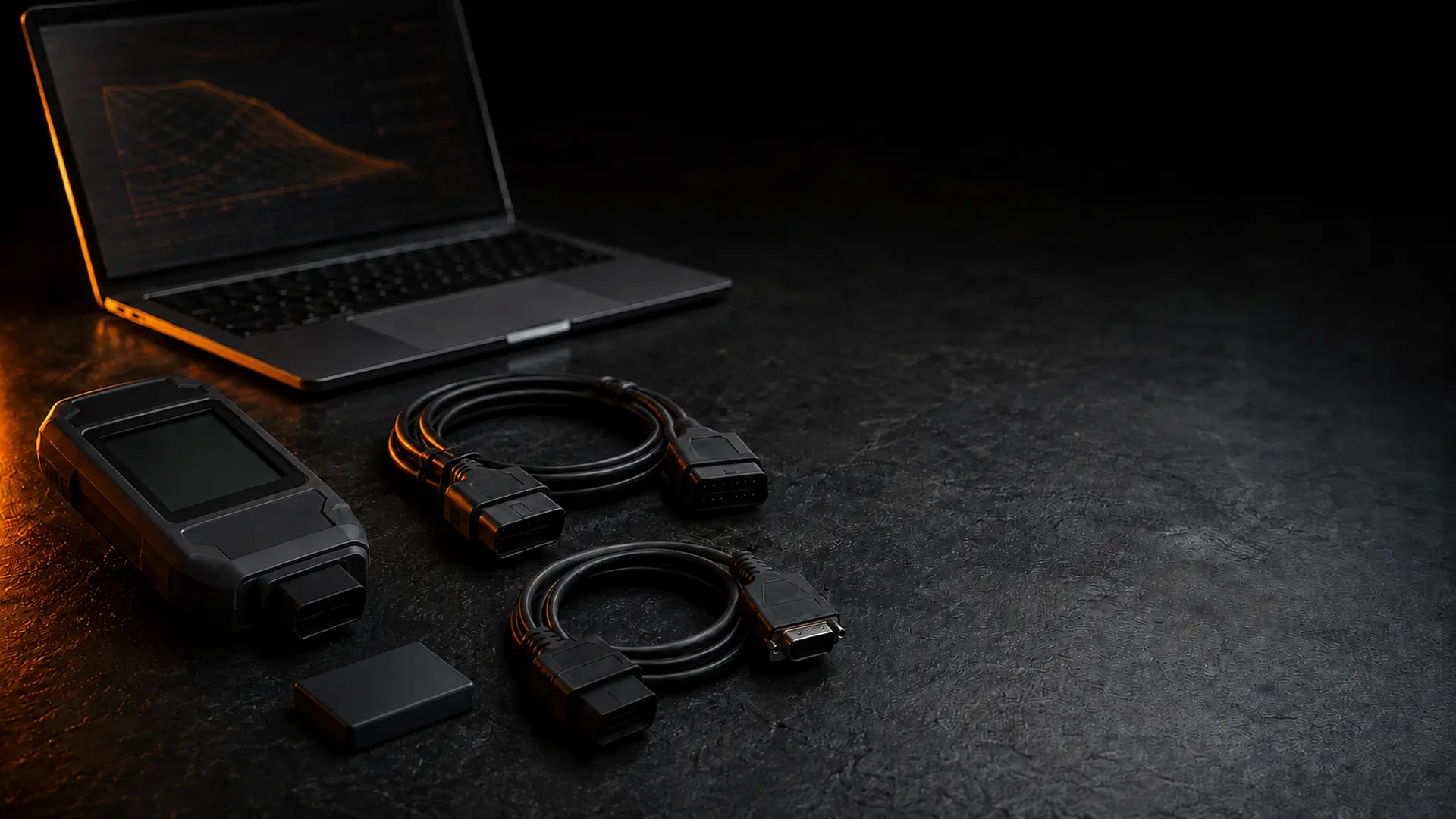
Using a tool such as Alientech, Autotuner or CMD, the workshop reads the original calibration from the ECU and uploads it. Some ECUs can be read over the OBD port, while others need a bench or boot connection. Either way, the important part is a complete, healthy read of the untouched factory file.
2. Modify the maps
A calibrator edits the relevant maps (boost, fuelling, ignition timing, torque limiters and any requested options) to the chosen stage, staying within safe component tolerances. This is where experience matters: the goal is usable power and torque with sensible margins on exhaust gas temperature, boost and knock, not the biggest possible dyno number.
3. Correct the checksum
ECUs validate their files with a checksum, a small value that has to match the contents of the file. A tuned file must have corrected checksums or the ECU may reject it when you try to write it. This is handled automatically for supported ECUs.
4. Flash and verify
The tuned file is written back with the same tool. If anything needs adjusting, revision support is included so the file can be reworked to your setup. Your stock file is kept on record, so the vehicle can be returned to original at any time.
Manual file service or automatic matching
You can have a file built by an engineer for your exact vehicle, or use automatic matching for supported ECUs when you need a fast turnaround. Both go out checksum-corrected and ready to flash. Most orders are delivered the same day.
Want to see the gains for your engine? Open the tuning catalog, or read Stage 1 vs Stage 2.